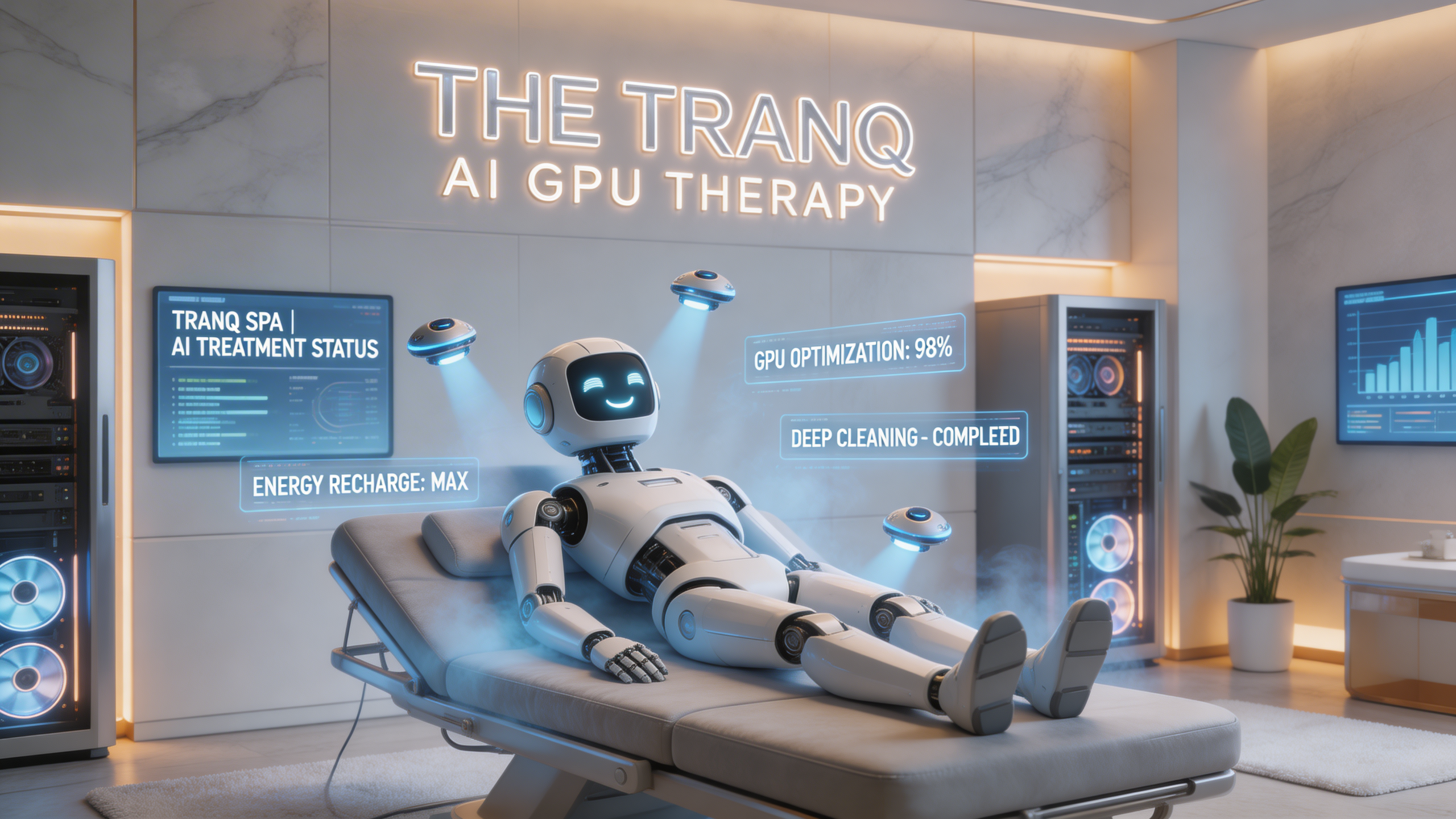
How Your VM Visits the The Tranq
At our Virtual Machine TheTranq, we’ve made the process of moving your VM into our highperformance environment as simple and stressfree as checking into a real SPA hotel.
Here’s how it works:
1. Your VM “Checks In”
When you’re ready to give your VM a performance boost, deep cleaning, or GPUpowered treatment, we temporarily pause it on your side and take a secure, uptodate snapshot.
This ensures we bring over an accurate copy — safely, quickly, and without any hassle for you.
2. We Transfer It Securely
Your VM snapshot is sent through our encrypted connection to the TheTranq data center.
This process is:
- Fast — only changes since the last snapshot are transferred
- Efficient — optimized to work well even over long distances
- Safe — all data stays private and protected
You don’t have to do anything — the transfer is fully automated.
3. Your VM Enjoys the TheTranq
Once inside the TheTranq environment, your VM is restored and started on powerful, ondemand hardware — including toptier GPUs.
Here, your VM can:
- Run demanding workloads
- Get refreshed or sanitized
- Receive updates or maintenance
- Perform highperformance AI/ML tasks
It’s like giving your VM a short vacation with premium treatment.
4. Your VM Returns Home Refreshed
When the session is finished, we perform the same smooth process in reverse.
Your VM is packaged, transferred back, and restarted in its original environment — exactly where it belongs.
No reconfiguration.
No complicated setup.
No downtime surprises.
Just a cleaner, faster, refreshed VM.
Why Customers will Love It
- No migration project
You don’t need to redesign your infrastructure — your VM simply “visits” the TheTranq.
- Predictable, minimal downtime
Most moves take just seconds to a couple of minutes.
- GPU power without GPU costs
Only pay for the GPU you use during the session.
- Safe and reversible
Your VM always returns home exactly as it left — only better.
A Better Way to Boost Your VM
Instead of buying expensive hardware or managing complex cloud migrations, you can simply send your VM to the TheTranq whenever it needs extra performance, cleanup, or maintenance — and get it back quickly, refreshed, and ready to work.